ZIP, CBZ, PDF & Folder. Simple
Links
About
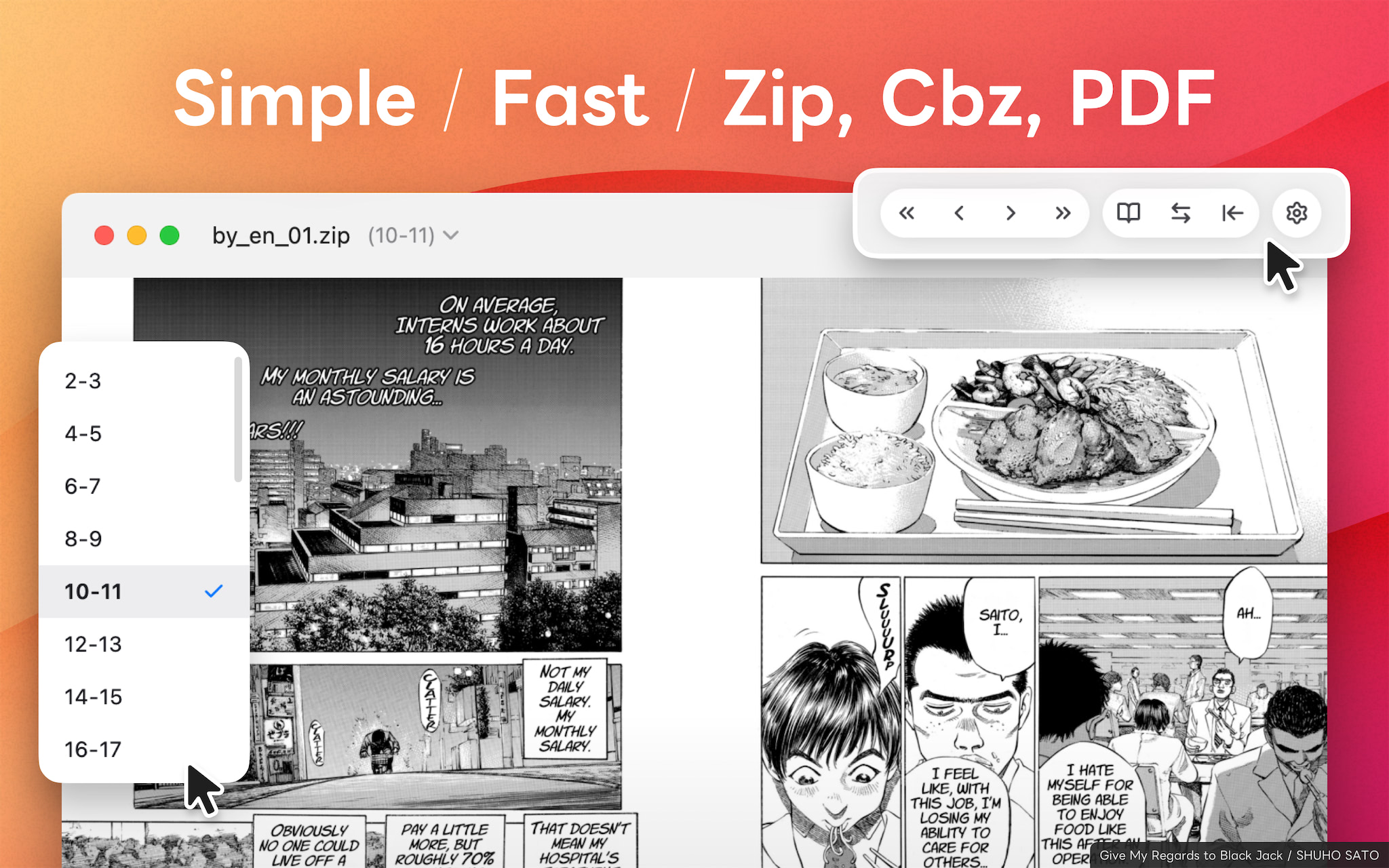
A simple and fast viewer for Mac, designed for self-scanned books and manga: “Yomty”. Supports ZIP, CBZ, PDF, and image folders — a lightweight viewer for comfortably reading your digitized manga, novels, and technical books on your Mac.
Key Features of Yomty
Simple is Best: “Easy to Use”
Drag and drop a file or folder to start reading instantly. Intuitive controls with both keyboard and mouse.
Fix the Misalignment: “Spread Shift”
Fix misaligned spread pages with a single click. Shift the pairing by one page to read with the correct left/right combination.
Perfect for Comics: “Spread View & Right/Left Binding”
View two pages side by side in spread mode. Supports both right-to-left reading for Japanese manga and left-to-right reading for Western comics. Adjust the cover position with a single click.
Wide Format Support: “ZIP, CBZ, PDF, Folder”
Open compressed image archives (ZIP, CBZ), PDF documents, and image folders directly. Password-protected ZIPs and PDFs are also supported.
Smooth Page Turning: “Fast Cache”
Decompression and parsing run in the background to keep the app responsive. A smart cache and direction-aware prefetching deliver effortless page turns.
Easy on the Eyes: “Dark Mode”
Supports Dark Mode for comfortable reading at night or in low-light environments, reducing eye strain.
Recommended for:
- Those who prefer a one-time purchase over a subscription
- Those who want a reasonably comfortable experience even on the free plan
- Those who want to read manga, novels, magazines, business books, or paperbacks compressed in ZIP or CBZ on a Mac
- Those who want to comfortably flip through PDF business books, paperbacks, novels, or technical books
- Those who want to enjoy right-bound Japanese manga in true spread layout, just like a real book
- Those looking for a simple and lightweight viewer
- Those who digitize cut books into PNG, JPEG, or PDF (self-scanning)
- Those who store books in password-protected ZIPs or PDFs
Premium
The free version is limited to 30 minutes of use per day. Purchase the one-time Premium upgrade to remove the limit.
Origin of the App Name “Yomty”
The name comes from the Japanese word “yomu” (読む), meaning “to read.” It reflects our wish to deliver a comfortable reading experience for comics and art books.